Best OBD2 Scanner for Beginners and Professionals in 2026 — Car Diagnostic Tool Guide

This article contains affiliate links. As an Amazon Associate, I earn from qualifying purchases. If you buy through these links, I may receive a commission at no additional cost to you.
Published: May 2026 | Category: Car Maintenance | Reading Time: 8 min
Your check engine light just came on. Your first instinct might be to drive straight to the mechanic and pay $80–$150 just for a diagnostic scan — but here's the thing: you can do that exact same scan yourself in under 5 minutes for as little as $25.
An OBD2 scanner (also called a car diagnostic tool or code reader) plugs directly into your car's OBD2 port and reads the fault codes stored in your vehicle's computer. Whether you're a complete beginner or a seasoned DIY mechanic, there's a scanner built for your level.
In this guide, I'll walk you through the best OBD2 scanners for beginners and professionals, explain how to actually use one, decode real engine codes like P0171, and compare smartphone Bluetooth adapters vs. dedicated handheld scanners so you can choose with confidence.
What Is an OBD2 Scanner and Why Do You Need One?
OBD2 stands for On-Board Diagnostics, Second Generation. Since 1996, every car sold in the United States is required to have a standardized OBD2 port, usually located under the dashboard on the driver's side.
When something goes wrong with your car's engine, transmission, or emissions system, the car's ECU stores a Diagnostic Trouble Code (DTC) and triggers the check engine light. An OBD2 scanner reads these codes and tells you exactly what the problem is — without a $100+ mechanic visit.
How to Use an OBD2 Scanner — Step by Step
- Find the OBD2 Port — Under the dashboard, driver's side, near the steering column.
- Plug In the Scanner — Insert firmly. Bluetooth dongles stay plugged in permanently.
- Turn Key to "On" — Don't start the engine. The scanner powers on automatically.
- Select "Read Codes" — Fault codes appear within seconds.
- Interpret the Code — P = Powertrain, B = Body, C = Chassis, U = Network.
- Clear or Repair — Fix the issue first, then clear the code to reset the light.
Understanding Real Engine Codes: What Does P0171 Mean?
One of the most common codes is P0171 — System Too Lean (Bank 1). This means the engine is getting too much air relative to fuel. Common causes include a vacuum leak, dirty MAF sensor, or weak fuel injectors.
Other common codes:
- P0300 — Random/Multiple Cylinder Misfire (High priority — fix immediately)
- P0420 — Catalyst System Efficiency Below Threshold (Catalytic converter issue)
- P0442 — EVAP System Small Leak (Check your gas cap first)
Best OBD2 Scanners for Beginners (2026)
#1 — ANCEL AD310 Classic OBD2 Scanner (~$24.99)
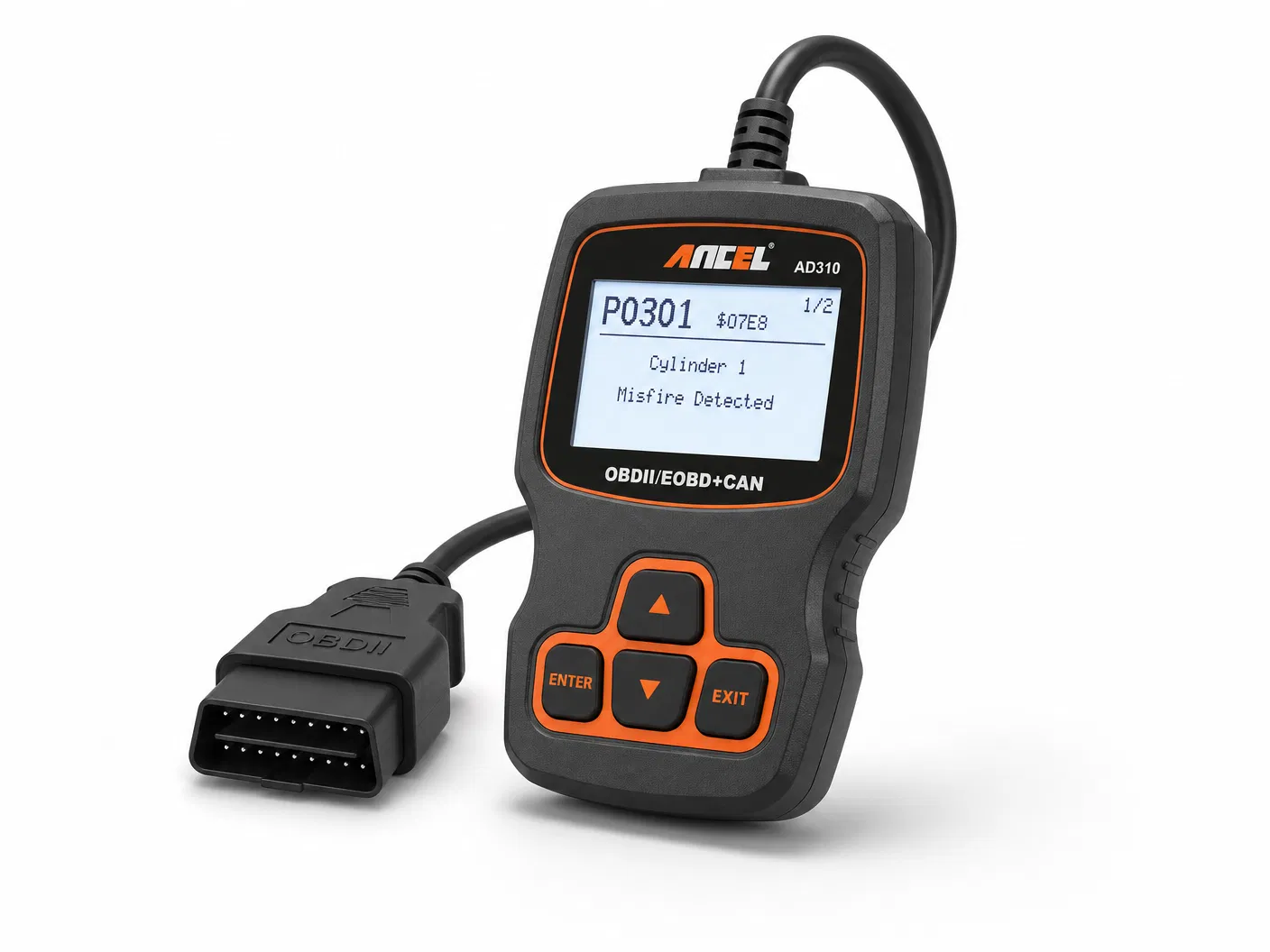
The most popular entry-level OBD2 scanner on Amazon. Plug it in, read the code, clear the light. No apps, no Bluetooth, no setup. Works on all 1996+ vehicles.
→ Check Price on Amazon: ANCEL AD310
#2 — BlueDriver Bluetooth Pro OBDII Scan Tool (~$119.95 )
The best Bluetooth OBD2 scanner. Full system diagnostics (engine, ABS, SRS, airbag), repair reports with common fixes, and a polished app. No subscription fee.
→ Check Price on Amazon: BlueDriver Pro
#3 — FOXWELL NT301 OBD2 Scanner (~$59.99 )
Best mid-range pick with a 2.8" color display and free lifetime software updates. Great for users who want a dedicated device with live data graphs.
→ Check Price on Amazon: FOXWELL NT301
Best OBD2 Scanners for Professionals (2026 )
#1 — Autel MaxiCOM MK808S Bidirectional Scanner (~$259)
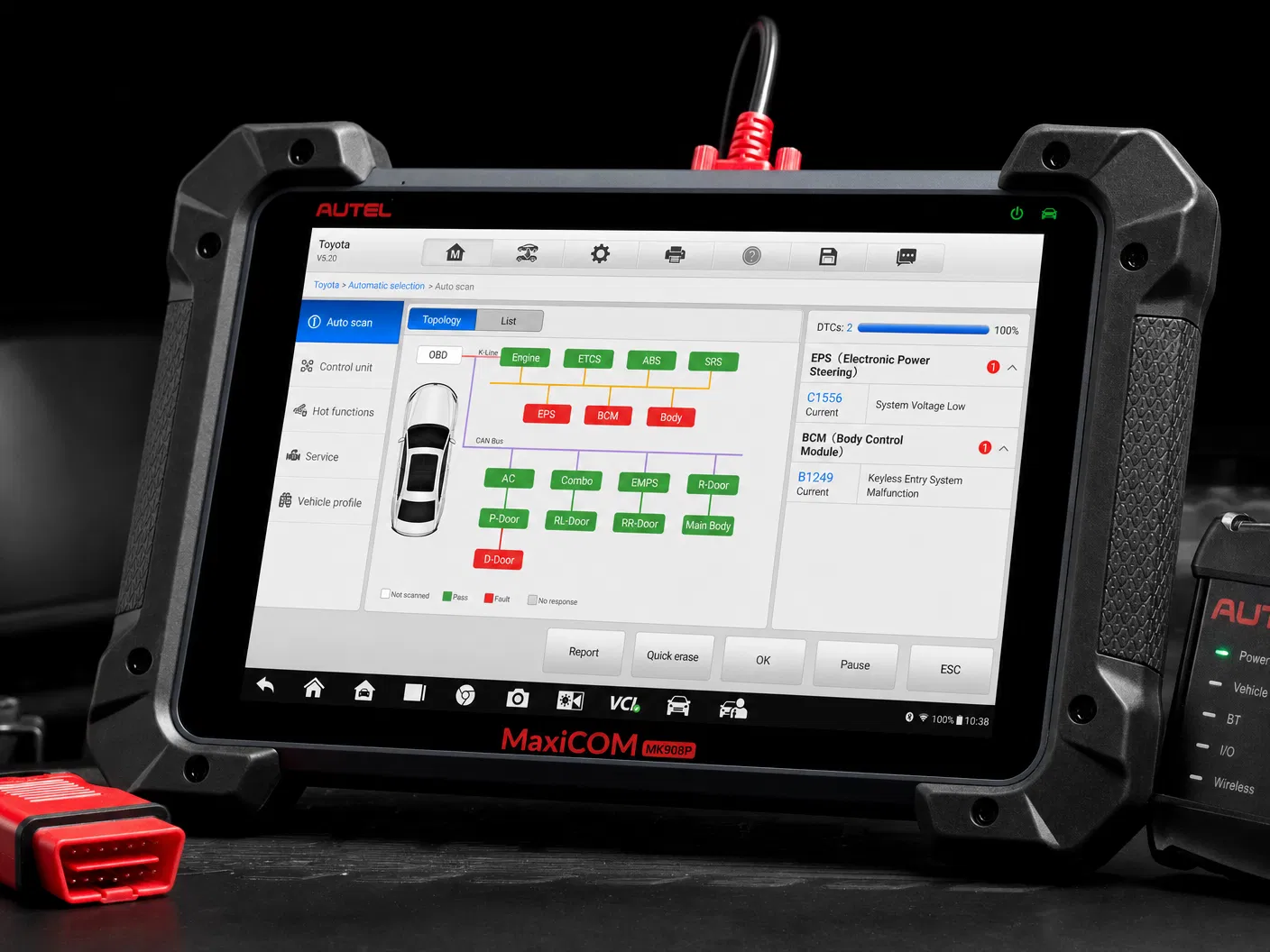
The most capable OBD2 scanner under $300. Bidirectional control, all-system diagnostics, 28+ service functions (oil reset, EPB, TPMS ), and a 7" Android touchscreen. Replaces $500+ shop scanners.
→ Check Price on Amazon: Autel MK808S
#2 — LAUNCH X431 CRP919E OBD2 Scanner (~$189 )
Bidirectional control at a lower price than the Autel. Wide vehicle coverage including European brands. Best for mechanics who work on diverse vehicle makes.
→ Check Price on Amazon: LAUNCH CRP919E
Smartphone OBD2 vs. Dedicated Scanner — Which Should You Choose?
Choose Bluetooth if you already have a good smartphone, want the dongle to stay plugged in always, and only need occasional diagnostics.
Choose a dedicated scanner if you work in a garage, need it to function without a phone, or require professional features like bidirectional control.
See All Picks With Full Details
For complete specs, pros/cons breakdowns, and the full buying guide:
→ View Full OBD2 Scanner Guide on AmazonPicks
Disclosure: As an Amazon Associate I earn from qualifying purchases. Product links in this post may earn me a small commission at no extra cost to you.


